
Creating a comfortable and enjoyable screen-light evening at home can make a big difference in how well you unwind after a busy day. Whether you’re watching movies, playing games, or catching up on your favorite shows, thoughtful planning will help you avoid eye strain and fatigue. This guide will walk you through everything you need to know to plan the perfect screen-light evening.
What Is a Screen-Light Evening?
A screen-light evening means spending time in the evening with screens — like TVs, laptops, tablets, or smartphones — while maintaining lighting that reduces eye strain and supports relaxation. It’s about finding balance: enjoying your digital entertainment without overwhelming your senses or disrupting your sleep.
Why Plan Your Screen-Light Evening?
Watching screens in a dark room or in harsh lighting can cause discomfort such as dry eyes, headaches, or difficulty falling asleep. With proper lighting and setup, your screen time becomes more enjoyable and less harmful.
Planning helps you:
– Reduce eye strain and fatigue
– Improve your relaxation and mood
– Maintain better sleep quality
– Make your screen time intentional and enjoyable
Step 1: Choose the Right Lighting
The lighting in your room has the biggest impact on how comfortable your eyes feel during screen time. Here’s what to keep in mind:
Use Soft Ambient Lighting
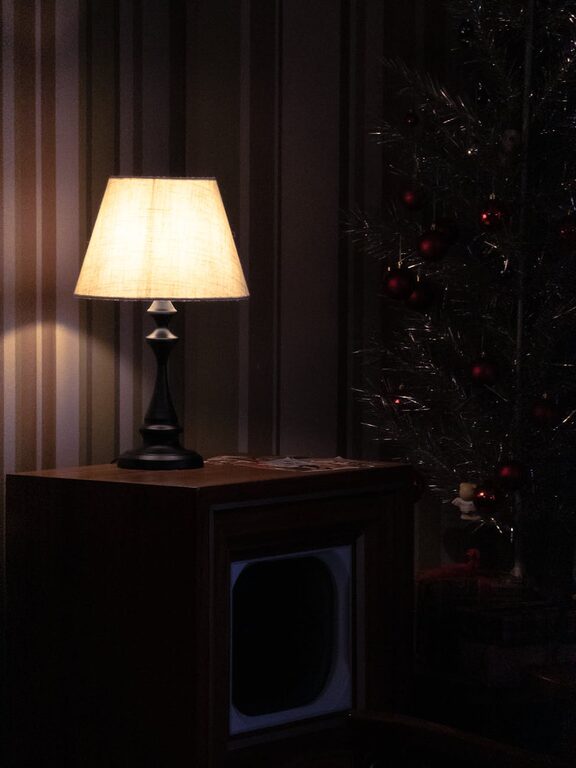
Avoid complete darkness or overly bright lights. Soft ambient lighting creates a gentle glow in the room that helps your eyes adjust.
– Use floor lamps or table lamps with warm bulbs (2700 to 3000K color temperature)
– Consider dimmable lights so you can adjust brightness
– Avoid fluorescent or overly cool white lights, as they can be harsh
Position Lighting Strategically
Place lights to minimize glare on your screen.
– Avoid direct light shining on the screen or your eyes
– Consider bias lighting: a light placed behind your screen reducing contrast and easing eye effort
– Use lampshades or indirect sources to soften the light
Step 2: Set Up Your Screen Environment
Your screen setup affects comfort and enjoyment.
Adjust Screen Brightness and Contrast
Match your screen brightness as closely as possible to your ambient light. Too bright or too dim can cause eye strain.
– Use ‘night mode’ or blue light filters available on many devices to reduce blue light exposure
– Increase text size or zoom in if reading for long periods
Maintain Proper Distance and Angle
Ensure your eyes are level with the center of the screen and at an appropriate distance.
– The ideal distance is typically about an arm’s length (20 to 30 inches)
– Avoid tilting your head up or down by placing the screen at eye level
Step 3: Choose Relaxing Activities
Consider what types of screen activities best suit a calm and enjoyable evening.
Movie or TV Show Marathon
Pick lighthearted or engaging content that helps you unwind. Plan for breaks between episodes to stretch and relax your eyes.
Casual Gaming
If gaming is your choice, select games that are relaxing and not overly intense to avoid raising stress levels at night.
Digital Reading or Browsing
If you prefer reading or browsing, use apps or browsers with dark mode to reduce brightness.
Step 4: Enhance Your Comfort
Make your space inviting for a perfect screen-light evening.
– Arrange comfortable seating with good back support and soft cushions
– Have a cozy blanket or throw nearby
– Keep a glass of water handy to stay hydrated
Step 5: Include Breaks and Eye Exercises
Prolonged screen time isn’t healthy, so incorporate short breaks every 20–30 minutes.
Practice the 20-20-20 Rule
Every 20 minutes, look at something 20 feet away for at least 20 seconds. This helps reduce eye fatigue.
Simple Eye Movements
– Blink frequently to keep eyes moist
– Rotate your eyes gently left, right, up, and down during breaks
Step 6: Plan Your Evening Time
Time management is key.
– Decide in advance how long you want to spend in front of screens
– Wind down with non-screen activities afterward like reading a book or listening to music
– Avoid late-night heavy screen use to support good sleep patterns
Bonus Tips for a Screen-Light Evening
– Use wireless headphones or speakers for quieter sound at lower volumes
– Dim or turn off overhead ceiling lights during screen time for a more intimate atmosphere
– If possible, set your room temperature to a comfortable level to avoid distraction
—
By planning your screen-light evening carefully, you can enjoy digital entertainment without compromising comfort and relaxation. Try these steps to create your own cozy, eye-friendly space where screen time feels like a treat rather than a strain. Happy relaxing!